 Auto History Wipe
Does Deleting History Delete Bookmarks?
Written by Jem Jack · Published November 16, 2026
It is the hesitation that stops a lot of people pressing the button: you have collected bookmarks for years, and the dialog looks like it might take them with it. It will not. Deleting history clears the record of pages you visited, and your bookmarks are stored somewhere else entirely — a separate list that no clear-data option reaches.
Why deleting history leaves bookmarks alone
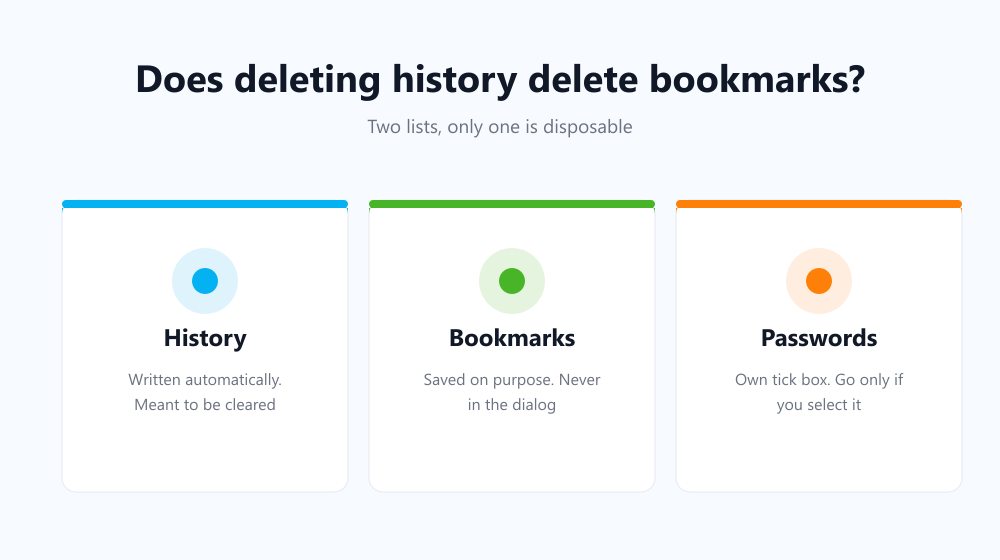
Your browser keeps two completely different lists. History is written automatically, every time you open a page, and it is meant to be disposable. Bookmarks are written only when you deliberately save something, and they are meant to last. They live in a different file, they sync separately, and the clear-browsing-data screen has no tick box for them at all.
What the dialog does and does not touch
| Item | Removed by clearing? | Where it lives |
|---|---|---|
| Browsing history | Yes, if ticked | The history database |
| Cookies and site data | Yes, if ticked | Per-site storage |
| Cached files | Yes, if ticked | The cache folder |
| Bookmarks | Never | A separate bookmarks file |
| Saved passwords | Only if you tick passwords | The password manager |
The last row is the one worth reading twice. Passwords are not removed by default, but unlike bookmarks they do have their own tick box, so they can go if you select them — the detail is in does clearing history delete passwords.
So what can actually remove a bookmark?
Only a handful of things, and all of them are deliberate. Deleting it yourself in the bookmark manager, obviously. Sync removing it because you deleted it on another signed-in device. Or a full profile reset, which discards the whole browser profile rather than clearing data within it.
- Deleting it by hand in the bookmark manager.
- A deletion on another device arriving through sync.
- Removing or resetting the browser profile entirely.
- Uninstalling the browser with “also delete browsing data” ticked.
Does clearing sign me out of bookmarked sites?
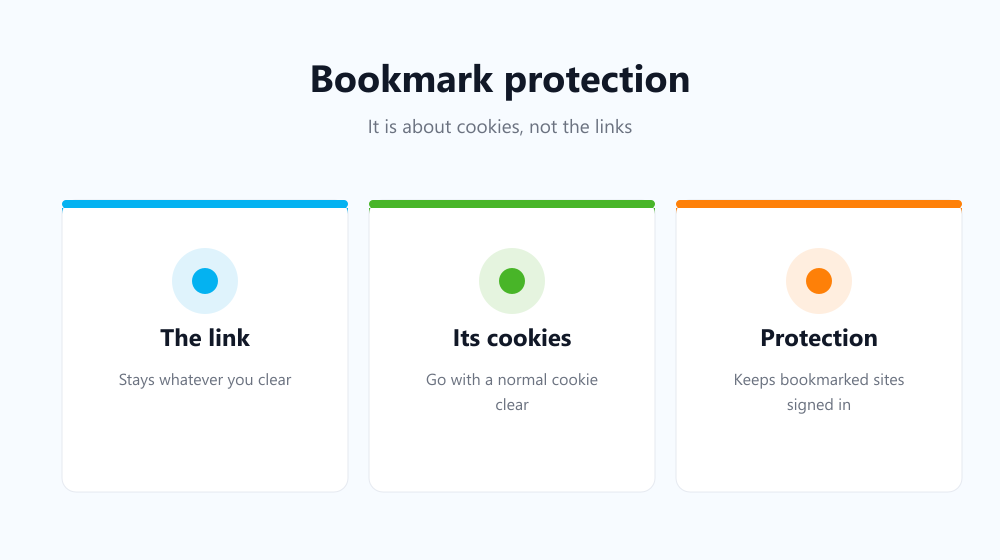
That depends on cookies, not on bookmarks. The link stays in your list either way, but if you clear cookies you will be signed out when you open it. Some tools treat this as a special case: Auto History Wipe has a bookmark protection setting that keeps cookies for the sites you bookmarked, so an automatic clean-up leaves your saved sites logged in while everything else is wiped.
Backing them up before any big clean-up
If you are about to reset a browser rather than simply clear data, export first. Every major browser can write your bookmarks to a single HTML file from the bookmark manager, and that file imports into any other browser. Google’s bookmark import and export guide covers the steps. It takes thirty seconds and removes the only real risk in this whole area.
Frequently asked questions
Will clearing data remove my bookmark folders?
No. Folders are part of the bookmarks file, so the structure survives exactly as it was, along with every link inside it.
Why did a bookmark disappear anyway?
Almost always sync: it was deleted on another device signed in to the same account. Check the bookmark manager’s recently closed or trash area if your browser offers one.
Does this work the same in Firefox and Edge?
Yes. All three keep bookmarks separate from browsing data and offer no option to clear them from the same dialog.
So you can clear with confidence: deleting history never reaches your bookmarks, and the only thing you might lose is the signed-in session behind one. Tick cookies deliberately, protect your bookmarked sites if your cleaner supports it, and export once before any full reset.