 Auto History Wipe
Can Deleted History Be Recovered? What Still Remains
Written by Jem Jack · Published October 2, 2026
You pressed “Clear browsing data”, and the history list is empty. But is it really gone? Often not completely. Deleted history can sometimes be pieced back together from other places: your Google account, your computer’s network cache, your router, or a backup. This guide explains where those traces live, who can see them, and how to clean each one properly.
Can deleted history be recovered at all?
From the browser itself, usually not. Once Chrome, Edge or Firefox deletes its history, the list can’t be undone from inside the browser. But the browser is rarely the only record. Recovery almost always comes from somewhere else, which is also why a single “clear” isn’t always the end of the story.
Where deleted history can still show up
| Place | What it shows | How to clear it |
|---|---|---|
| Google My Activity (if sync is on) | Searches and pages visited | Delete it there and set auto-delete |
| Other synced devices | The full history list | Clear with sync on, or on each device |
| DNS cache on your computer | Recently visited domain names | Flush it, or restart the computer |
| Router or network logs | Domains and times | Only the network owner can |
| Backups and restore points | An older copy of the browser profile | Delete the old backups |
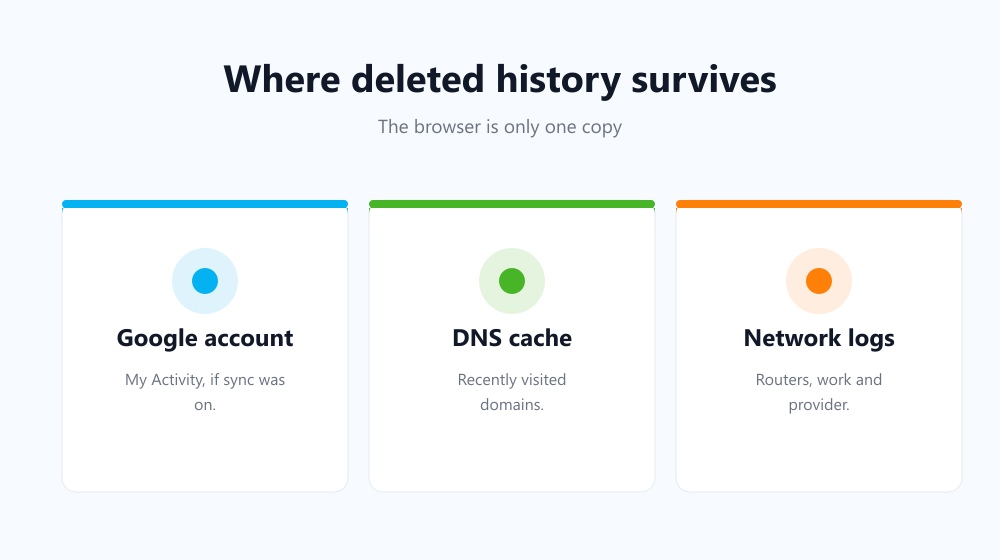
Your Google account
If you browse while signed in to Chrome with sync on, or with Web & App Activity turned on, your searches and visits may be saved to Google My Activity. Clearing Chrome’s history with sync on removes the synced copy. Searches saved as Web & App Activity are handled separately, so check My Activity too. Our guide to deleting Google search history walks through it.
The DNS cache
Every time you visit a site, your computer looks up its address and keeps the answer for a while. On Windows, running ipconfig /displaydns in Command Prompt lists those recently looked-up domains, even after the browser history is gone. It shows domain names, not full pages. To empty it, run ipconfig /flushdns or simply restart the computer.
Routers, work networks and your provider
Home routers, office networks and internet providers can log which domains a device connects to. Clearing your browser does nothing to those logs. That’s a network-level record that only the network owner controls. It’s the same reason Incognito mode doesn’t hide your browsing from your employer or provider.
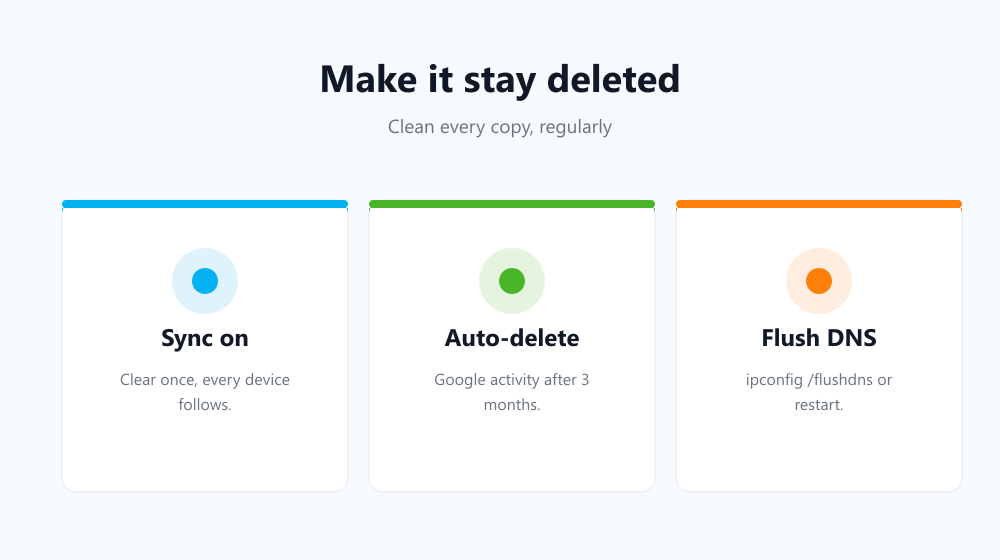
How to make deleted history stay deleted
- Clear with sync on, so every synced device and your account copy are cleared too.
- Set Google auto-delete to 3 months under Web & App Activity.
- Flush the DNS cache after a sensitive session, or restart.
- Clear regularly, not once. The older your history, the more copies it has spread to.
The last point is where automation helps. Auto History Wipe clears your browser’s history, cookies, cache and download list on start-up or on a timer, so there’s never months of activity waiting to be found. It can’t reach your router or your Google account, so pair it with the settings above for full coverage.
Frequently asked questions
Can someone see my cleared history on my phone?
If your browser syncs to an account, the account copy may still be visible until you clear it there. On the device itself, cleared history isn’t shown in the browser.
Can data recovery software restore deleted history?
Sometimes, on a traditional hard drive, if the old files haven’t been overwritten yet. On modern SSDs this is much less likely, because deleted space is usually wiped quickly.
Can parents or employers see deleted history?
If they control the network or the device’s management software, yes. Those records are kept outside your browser.
Does cleared history come back after a restart?
No. Unless sync restores it from another device that still has the history. Clear it everywhere with sync on to avoid that.
So: deleted history can partly be recovered, but not from where most people look. Clear the browser, the account and the DNS cache, and do it regularly, and very little is left to find.