 Auto History Wipe
Clear History Shortcut: Keys for Chrome, Edge & Firefox
Written by Jem Jack · Published October 5, 2026
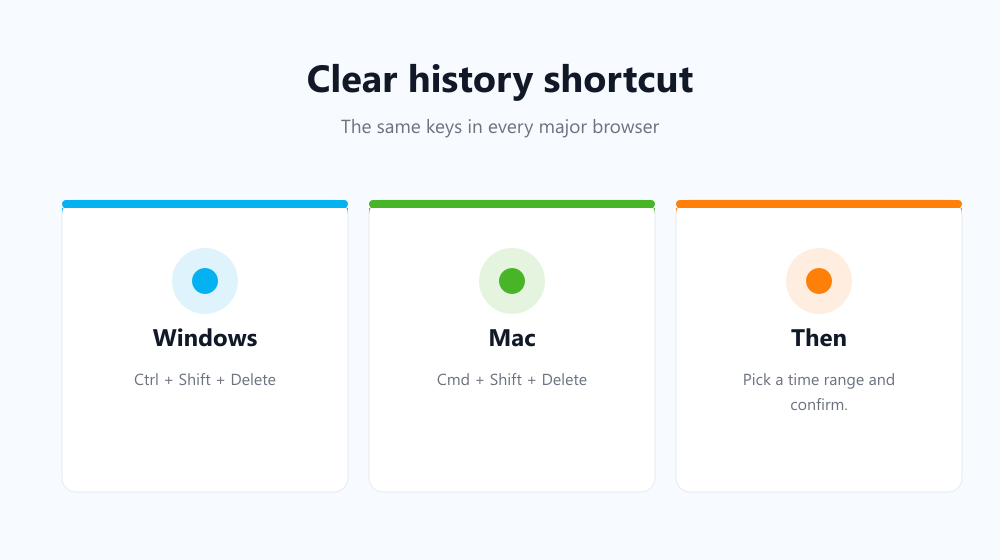
Digging through menus to clear your browsing history takes half a dozen clicks. A keyboard shortcut takes one second. The clear history shortcut is the same in every major browser: Ctrl + Shift + Delete on Windows and Linux, or Cmd + Shift + Delete on a Mac. Below you’ll find it for each browser, along with a few related keys worth memorising.
The clear history shortcut in every browser
| Browser | Windows / Linux | Mac | Opens |
|---|---|---|---|
| Chrome | Ctrl + Shift + Delete | Cmd + Shift + Delete | Delete browsing data |
| Edge | Ctrl + Shift + Delete | Cmd + Shift + Delete | Clear browsing data |
| Firefox | Ctrl + Shift + Delete | Cmd + Shift + Delete | Clear recent history |
| Brave, Opera, Vivaldi | Ctrl + Shift + Delete | Cmd + Shift + Delete | Clear browsing data |
The shortcut doesn’t delete anything straight away. It opens the clearing window, where you pick a time range and the data types, then confirm. On a Mac laptop, “Delete” is the backspace key.
What to tick once the window opens
- Time range: “Last hour” for a quick tidy, “All time” for a full clean.
- Browsing history: the list of pages you visited.
- Cookies and site data: signs you out of most sites. Untick it to stay logged in.
- Cached images and files: safe to clear; pages just reload their files.
Not sure which boxes matter? Our guide to cookies vs cache vs history explains what each one holds, and does clearing cache log you out covers the login question.
Other history shortcuts worth knowing
| Action | Windows / Linux | Mac |
|---|---|---|
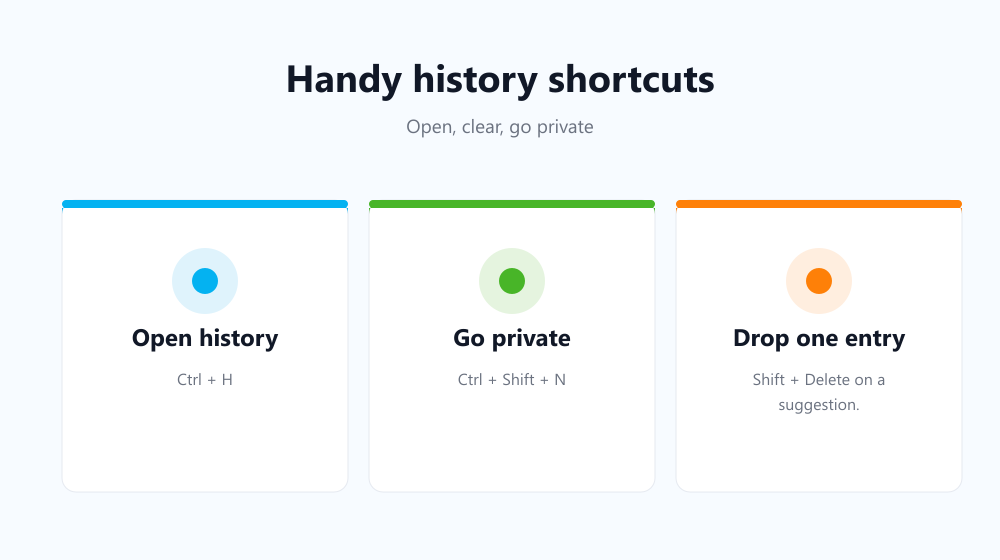
| Open the history page (Chrome, Edge) | Ctrl + H | Cmd + Y |
| Open the history sidebar (Firefox) | Ctrl + H | Cmd + Shift + H |
| New Incognito / InPrivate window | Ctrl + Shift + N | Cmd + Shift + N |
| New private window (Firefox) | Ctrl + Shift + P | Cmd + Shift + P |
| Remove one highlighted address bar suggestion | Shift + Delete | Shift + Fn + Delete |
The last one is handy: start typing, arrow down to the suggestion you don’t want, and press the keys. That single entry disappears without touching the rest of your history. Google lists more in its Chrome keyboard shortcuts page.
A one-press shortcut that skips the dialog
Ctrl + Shift + Delete still leaves you ticking boxes each time. Auto History Wipe adds its own shortcut, Ctrl + Shift + E (Cmd + Shift + E on a Mac). It cleans instantly using the settings you chose once: the data types, the time range, and the sites to keep. It can also run by itself on browser start-up or on a schedule, so you rarely need to press anything. For a fully hands-off set-up, see how to clear history automatically.
Frequently asked questions
Is there a shortcut to clear history without the confirmation window?
Not built into browsers. They always ask first. A clean-up extension with its own shortcut can clear instantly based on saved settings.
Why doesn’t Ctrl + Shift + Delete work?
On some keyboards the Delete key needs Fn, and some laptops map it differently. Try Ctrl + Shift + Fn + Delete, or open the page directly at chrome://settings/clearBrowserData.
What is the clear history shortcut in Safari?
Safari has no default key for it. Use the Safari menu and choose Clear History, or add your own shortcut in macOS Keyboard settings.
Can I change the shortcut?
Browsers don’t let you change built-in shortcuts, but extension shortcuts can be changed at chrome://extensions/shortcuts.
Learn one key combination and clearing up takes seconds: Ctrl + Shift + Delete is the clear history shortcut everywhere. When you’d rather not think about it at all, let it run automatically.