 Auto History Wipe
Clear Browsing Data: What Actually Gets Deleted
Written by Jem Jack · Published October 7, 2026
The “Clear browsing data” window is full of checkboxes, and it’s not always obvious what each one will cost you. Will you lose your passwords? Your bookmarks? Your open tabs? This guide explains exactly what happens when you clear browsing data: what’s deleted, what’s kept, and what you’ll notice afterwards.
What each box deletes
| Checkbox | What goes | What you’ll notice |
|---|---|---|
| Browsing history | The list of pages visited | Fewer address bar suggestions |
| Download history | The list of downloads | The files themselves stay on disk |
| Cookies and other site data | Logins, preferences, tracking IDs | Signed out of most sites |
| Cached images and files | Stored copies of page files | First visits load a bit slower |
| Autofill form data | Saved form entries | Forms stop suggesting old entries |
| Passwords | Saved logins, only if ticked | You’ll need to retype passwords |
| Site settings | Per-site permissions | Sites ask again for camera, location and so on |
Google’s help page lists the same items for Chrome; Edge and Firefox work almost identically.
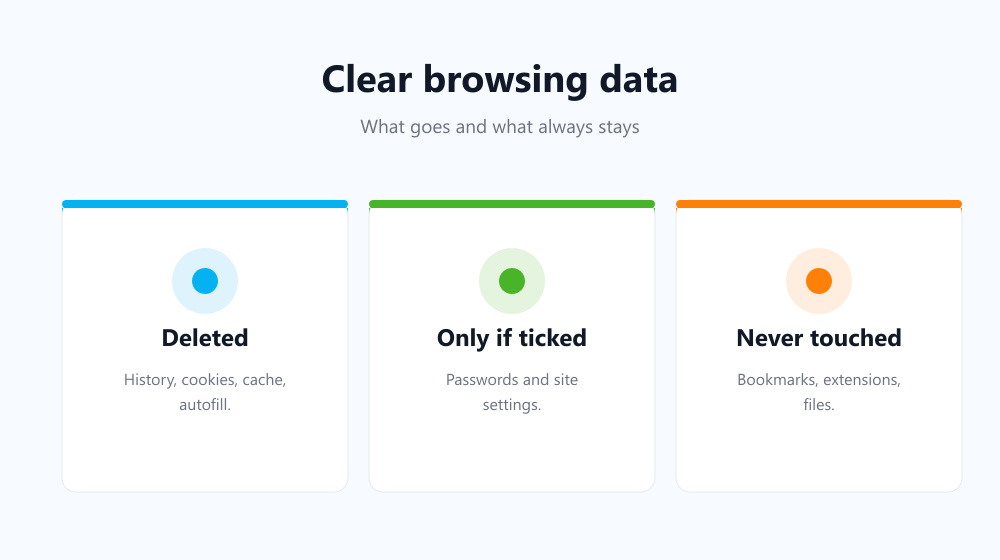
What is never deleted
Whatever boxes you tick, several things are always left alone:
- Bookmarks and your reading list.
- Extensions and their settings.
- Downloaded files. Only the download list is cleared.
- Saved passwords, unless you tick the Passwords box yourself. See does clearing history delete passwords.
- Activity saved in your Google account, such as searches in My Activity, which is managed separately.
Side effects to expect
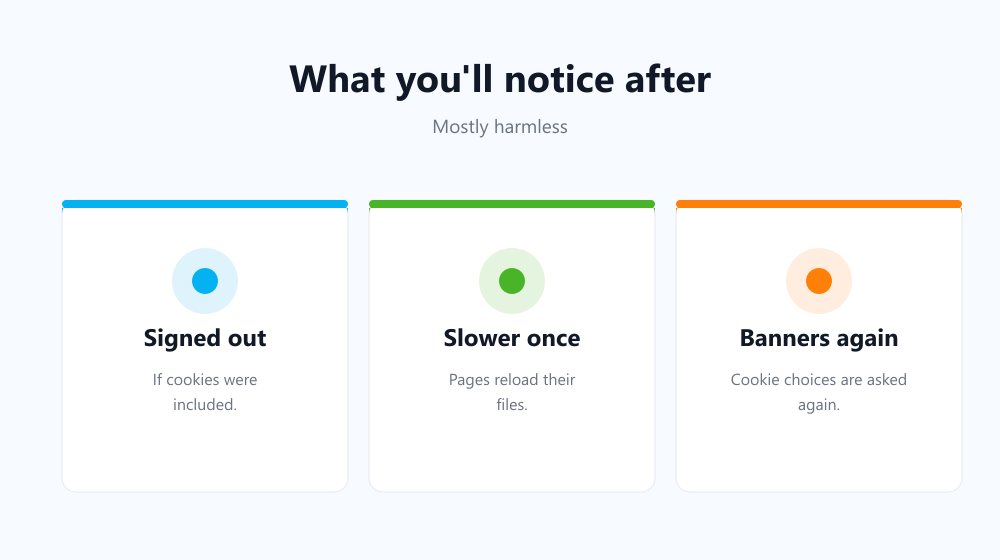
You’ll be signed out if cookies were included. Chrome keeps you signed in to your Google account itself so it can clear synced data, but most other sites will ask you to log in again.
Pages load slower once. With the cache gone, each site downloads its images and scripts again on the first visit. After that, speed returns to normal.
Cookie banners come back. Your “accept” or “reject” choices were stored in cookies, so sites will ask again.
Offline copies are rebuilt. Web apps that work offline, such as email or document editors, keep local copies in site storage. Clearing cookies and site data removes those copies, so the app downloads them again the next time you open it. Anything saved to the service itself is safe; only the copy on your computer goes.
Synced devices follow. If sync is on, clearing history in Chrome or Edge clears it on your other signed-in devices too.
How to clear browsing data without the downsides
- Pick the right time range. “Last hour” fixes most one-off privacy worries without touching older data.
- Untick cookies if you just want a site to work again. Clearing the cache alone often does the job; see how to clear your browser cache.
- Keep trusted sites. Clear everything except the cookies for sites you use every day.
The third option is hard to do by hand but easy to automate. Auto History Wipe clears browsing data on browser start-up or on a schedule, and keeps cookies for whitelisted or bookmarked sites. Trackers get reset while your everyday logins survive.
Frequently asked questions
Does clearing browsing data delete bookmarks?
No. Bookmarks are never part of the clearing window. Only the favicons, the small site icons, may take a moment to reappear.
Will clearing browsing data close my tabs?
No. Open tabs stay open, though sites in them may sign you out when you reload if cookies were cleared.
Is it safe to clear browsing data?
Yes. Nothing on your computer breaks. The only costs are logging in again and slightly slower first page loads.
Can cleared data be brought back?
Not from inside the browser. Some traces can survive elsewhere, though; see can deleted history be recovered.
Knowing what each box does takes the guesswork out. Clear browsing data with the right boxes ticked, keep the sites you trust, and you get the privacy without the hassle.