 Auto History Wipe
What Is Cached Data, and Is It Safe to Delete?
Written by Jem Jack · Published November 2, 2026
Every browser settings screen offers to delete it, and almost nobody knows what it is. Cached data is the pile of copies your browser keeps so it does not have to download the same things twice — and yes, it is safe to delete. What is worth understanding is what it quietly reveals about you while it sits there.
What cached data actually holds
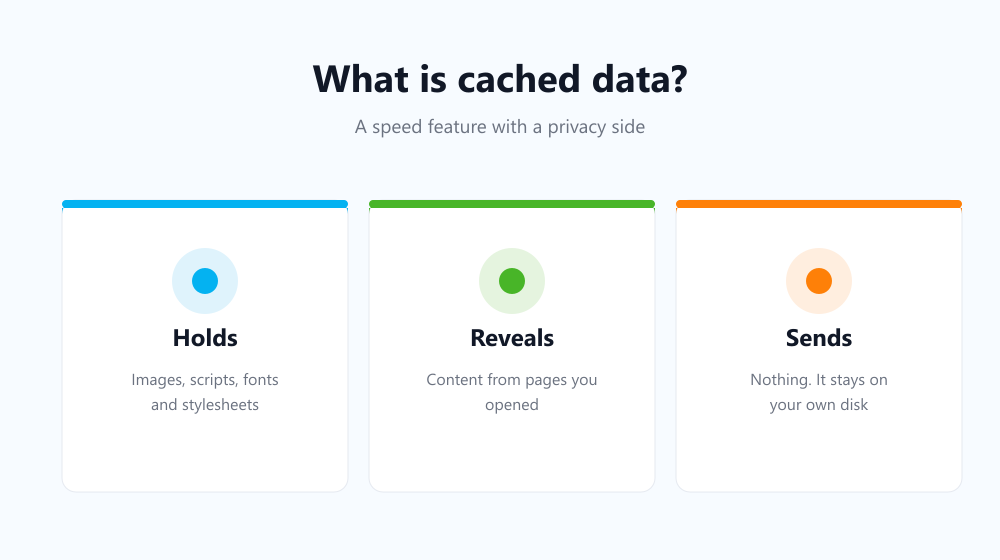
When you open a page, the browser downloads more than the words: a stylesheet, several scripts, fonts, a logo, product photos. Those files rarely change, so keeping a copy on your disk means the next visit is close to instant. That copy is the cache. It is written automatically, it needs no permission, and it grows quietly in the background.
- Images from pages you opened, including ones you scrolled past.
- Stylesheets and scripts that tell the browser how a site behaves.
- Fonts, icons and other shared assets.
- Sometimes whole pages, ready to be shown offline.
Is cached data a privacy problem?
It is a quieter one than history, and in some ways more revealing. Your history is a list of addresses; the cache is the actual pictures. Anyone with access to your machine can see images from pages you opened, even after the history list has been cleared — which is exactly why the two should be cleared together rather than one at a time.
It is not sent anywhere. The files sit on your own disk and no site can read another site’s copies. The exposure is local, and that is precisely the exposure most people are worried about on a shared computer.
Cache, cookies and history side by side
| Store | What it is | What it reveals |
|---|---|---|
| Cache | Copies of site files | Images and content from pages you opened |
| Cookies | Small identifiers per site | Which sites you are signed in to |
| History | A list of addresses | Where you went and when |
They are three different things people clear as one, and only one of them signs you out. If that is your worry, the detail is in cookies vs cache vs history.
Is it safe to delete?
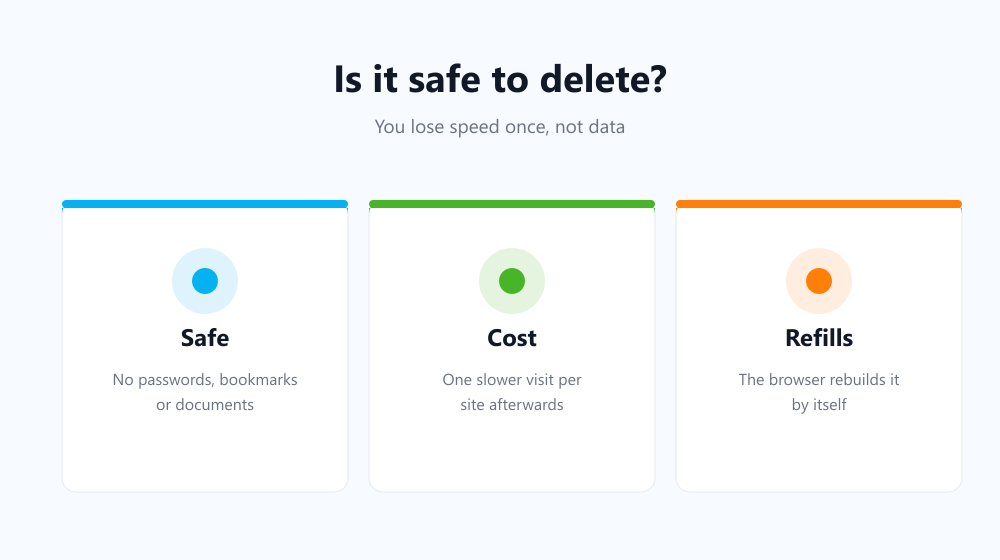
Completely. Nothing you own lives there — no passwords, no bookmarks, no documents. The only cost is that sites you visit next will load a little slower once while they rebuild their copies. Nothing breaks, and the browser refills the folder on its own. Mozilla’s explanation of the Firefox cache describes the same trade in its own words.
Keeping it from piling up
Because it refills constantly, a one-off clean-up is a short-lived victory. Auto History Wipe empties the cache together with history and cookies at browser startup or on a schedule, so the copies never accumulate into a record of the last six months of your browsing.
Frequently asked questions
How much space does it use?
Typically a few hundred megabytes to a couple of gigabytes. Browsers cap it and discard the oldest entries themselves, so it will not fill a drive on its own.
Will deleting it log me out?
No — that is cookies. The two are separate boxes in the same dialog, as explained in does clearing cache log you out.
Does Incognito use it?
A private window caches during the session for speed, then discards it when you close the last window of that session.
So cached data is a performance feature with a privacy side effect: harmless to delete, useful to keep, and worth clearing on a rhythm if anyone else ever uses your machine.