 Auto History Wipe
Can a Wifi Owner See Your Browsing History?
Written by Jem Jack · Published November 11, 2026
It is the question behind a lot of nervous browsing on a home, office or hotel network. Can the wifi owner see what you looked at? Partly, and the honest boundary is sharper than most answers suggest: they can usually see which sites you contacted, and usually not what you did on them.
What the router can actually see
Everything you load passes through it, so the router knows which addresses your device asked for. Most home routers log little or nothing by default, and the ones that do keep domain names rather than full pages. Business and campus networks are a different matter — they often run equipment built specifically to record and report that activity.
There is also a difference between what a router could record and what anyone ever reads. Consumer routers that do keep a log typically overwrite it within days and bury it behind an administration page most owners never open. On a managed network the opposite is true: the logging exists because someone intends to look at it, and it is usually retained deliberately.
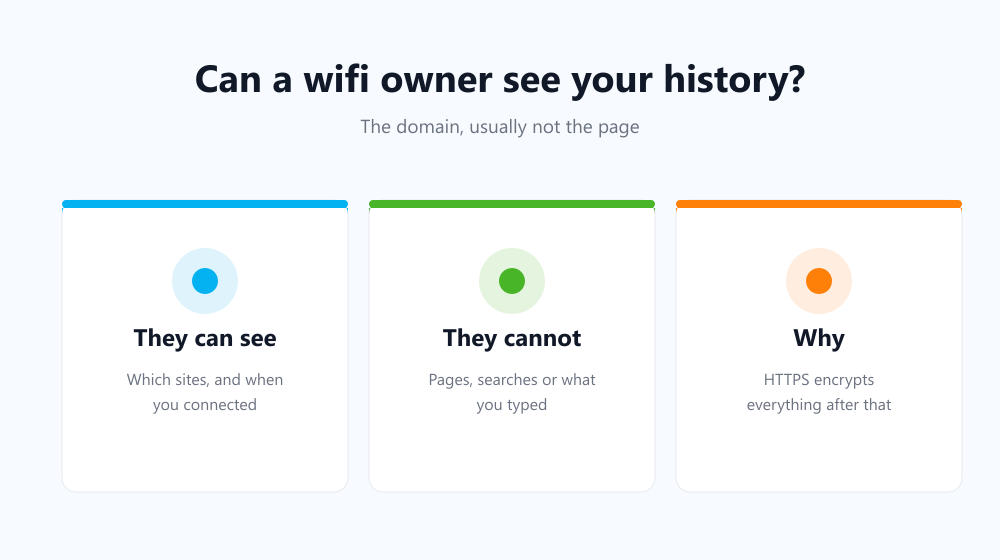
What HTTPS hides from a wifi owner
Almost every site now uses an encrypted connection, and that changes the picture substantially. The network can see that you connected to a site; it cannot read the page you opened there, the text you typed, or anything you submitted. The padlock in your address bar is what draws that line.
| Detail | Visible to the network? |
|---|---|
| The site’s domain name | Yes |
| When you connected and for how long | Yes |
| The exact page or article | No, on HTTPS sites |
| Your searches, messages and form entries | No, on HTTPS sites |
| Your passwords | No |
Does clearing your browser help here?
Not at all, and this is the misunderstanding worth correcting. Clearing history edits what your own computer remembers. The router’s record, if there is one, was written independently and sits somewhere you cannot reach. The two stores have nothing to do with each other, which is also why Incognito does not help — see does Incognito mode keep you private.
- Clearing your browser protects you from people who use your device.
- A VPN or encrypted DNS is what addresses the network side.
- HTTPS already hides the contents of every modern site.
- Neither one hides your activity from the sites themselves.
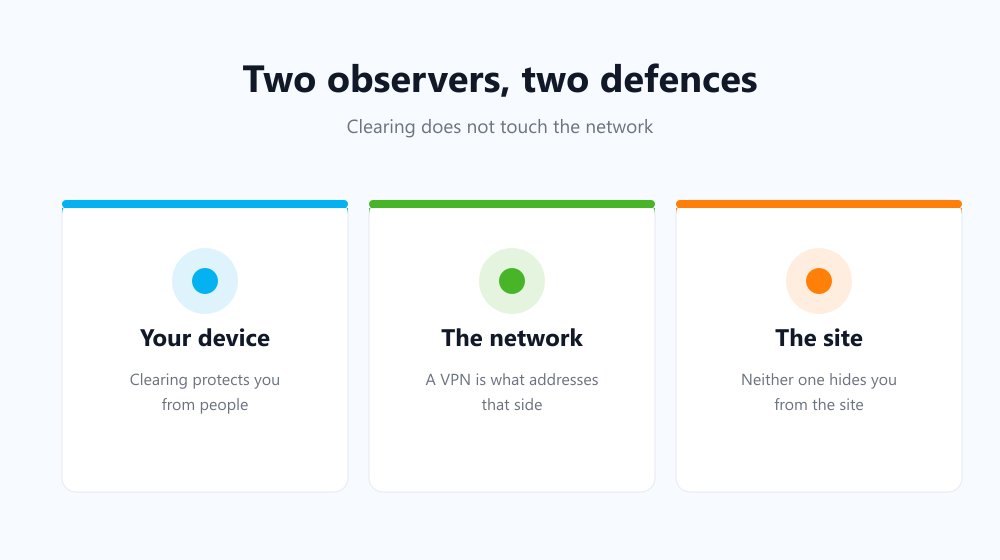
What each defence is actually for
A VPN moves the visible endpoint from your router to the VPN provider, so the wifi owner sees an encrypted tunnel and nothing more. Clearing your browser closes the far more everyday risk: someone picking up your laptop and reading the list. Both are worth having, and they solve different problems.
For the second one, Auto History Wipe clears history, cache and cookies at browser startup or on a schedule, so there is rarely anything on the device to find. Cloudflare’s explanation of HTTPS covers the encryption half in plain terms.
Frequently asked questions
Can my parents or landlord see specific pages?
On a normal home router, no — and often no domain log either, since most keep nothing by default unless someone deliberately enables it.
Does Incognito hide me from the router?
No. It changes what your browser stores locally and nothing about what leaves your device.
What about my employer’s network?
Assume more is recorded. Managed networks and managed laptops can both log activity well beyond what a browser stores — see privacy on a shared computer.
So a wifi owner can generally learn which sites you visited and nothing about what you did there. Use a VPN if the network is the thing you are worried about, and clear your browser automatically for the far likelier risk — the person who opens your laptop next.