 Auto History Wipe
Does Clearing Cache Speed Up Your Browser?
Written by Jem Jack · Published October 19, 2026
It is the first advice anyone gives a sluggish browser, so it is worth asking honestly: does clearing cache actually speed anything up? Sometimes yes, often no, and occasionally it makes the next few minutes slower. The answer depends entirely on why your browser feels slow, and that is something you can work out in about a minute.
What the cache is really for
The cache is a folder of copies. When you load a page, your browser saves the logos, stylesheets, fonts and scripts to your disk so it does not have to download them again on your next visit. That is the whole point: a cached site loads from a drive that is far faster than any internet connection. An empty cache is not a tidy browser, it is a browser that has to fetch everything from scratch.
So when does it actually help?
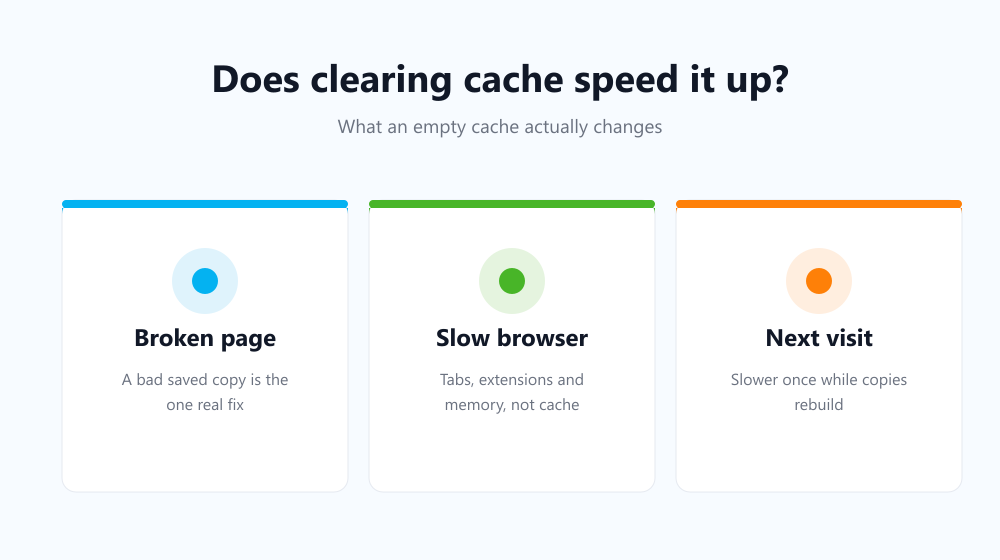
Emptying it helps when the problem is a bad copy rather than too many copies. If a site saved a broken stylesheet or an old version of a script, every visit replays that fault until the copy is thrown away. That is a correctness problem wearing a performance costume, and it is the one case where the usual advice is exactly right.
- A page renders with missing styles, stuck banners or buttons that do nothing.
- A site shows you yesterday’s content after it has clearly been updated.
- A login loop that survives a reload but not a fresh session.
- Your drive is genuinely close to full and the cache has grown to several gigabytes.
When clearing cache will not help at all
If your browser is slow because forty tabs are open, because an extension is doing heavy work on every page, or because the machine is short on memory, the cache is innocent. Throwing it away costs you a slower first visit to every site you use and changes nothing about the real cause. The same is true of a slow connection: a smaller cache means more downloading, not less.
Cache, cookies and history are not the same job
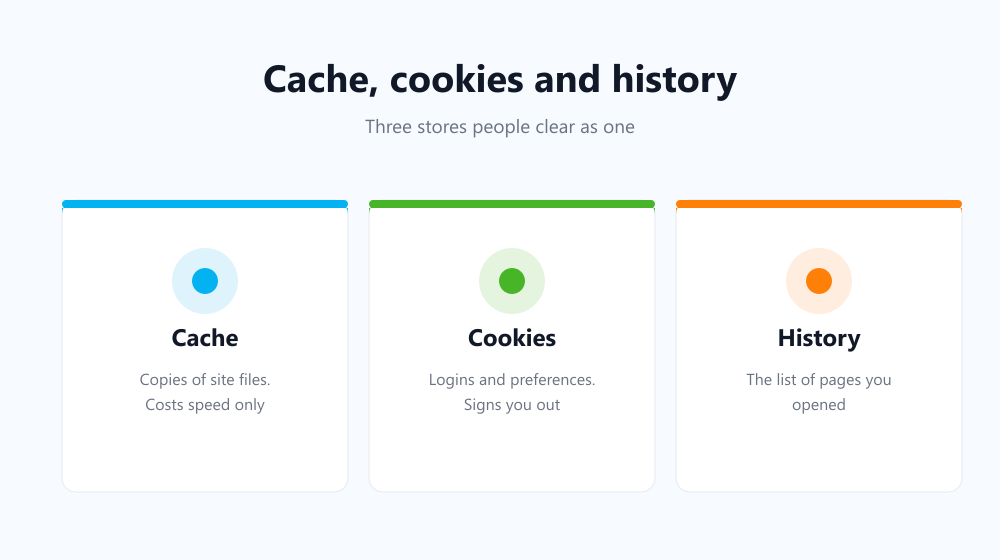
| What you clear | Effect on speed | What you lose |
|---|---|---|
| Cache | Slower first visit, then back to normal | Saved copies of site files |
| Cookies | None | Logins and site preferences |
| History | None | Your record of visited pages |
People often clear all three together and credit the speed-up to the wrong one. If you want the privacy benefit, see what happens when you clear browsing data — the effects are quite different from each other.
A faster habit than emptying it by hand
If you clear it for privacy rather than performance, doing it manually is the part that fails — you remember for a week and then forget. Auto History Wipe empties the cache along with history and cookies on startup or on a schedule, so the browser stays clean without you thinking about it. Google’s own documentation on cached files describes the same trade-off from the other side.
Frequently asked questions
Will clearing the cache delete my passwords?
No. Passwords are stored separately and survive a cache clear. Cookies are the ones that sign you out, and even then only if you tick them — see does clearing cache log you out.
How often should I empty it?
For speed, only when something is visibly broken. For privacy, on a schedule that matches how sensitive your browsing is — weekly suits most people.
Does a bigger cache make the browser slower?
Not in normal use. Browsers cap the cache and evict old entries themselves, so it does not grow without limit or need manual pruning.
The short answer: clearing cache fixes broken pages far more often than it fixes slow ones. Reach for it when a site misbehaves, keep it on a schedule if privacy is the goal, and look at tabs, extensions and memory when the browser itself feels heavy.