 Auto History Wipe
Does Deleting History Free Up Space?
Written by Jem Jack · Published November 9, 2026
When a device warns that storage is low, the browser is one of the first places people go. It is a reasonable instinct, but it aims at the wrong target: deleting history frees almost nothing, because a list of addresses is tiny. The cache next to it is a different story, and that is the one worth your attention.
How much space each store actually uses
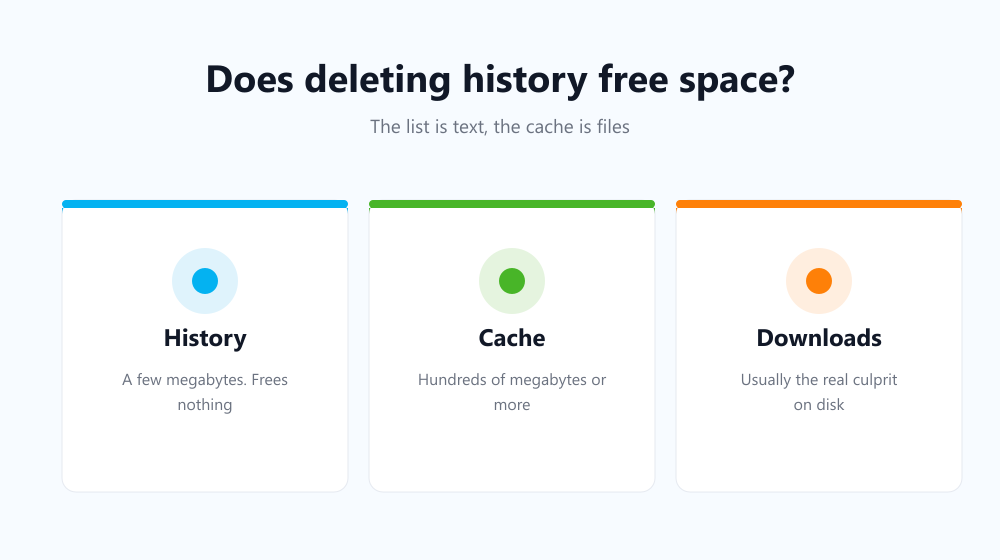
A history entry is a line of text — a URL, a title and a timestamp. Even years of heavy browsing add up to a few megabytes. The cache holds real files: images, fonts, scripts, sometimes video fragments. On a well-used machine it is hundreds of times larger.
The gap is easy to underestimate because both appear as tick boxes of equal size in the same dialog. A visual comparison helps: if your entire history were a single sheet of paper, the cache beside it would be a filing cabinet. Browsers reinforce the illusion by listing them together without ever showing you how much each one occupies, so the only reliable way to judge is to know what kind of thing each store holds.
| What you clear | Typical size freed | Worth it for space? |
|---|---|---|
| Browsing history | A few megabytes | No |
| Cookies | Under a megabyte | No |
| Cached images and files | Hundreds of megabytes to gigabytes | Yes |
| Downloaded files | Whatever you saved | Usually the real culprit |
So what should you clear for room?
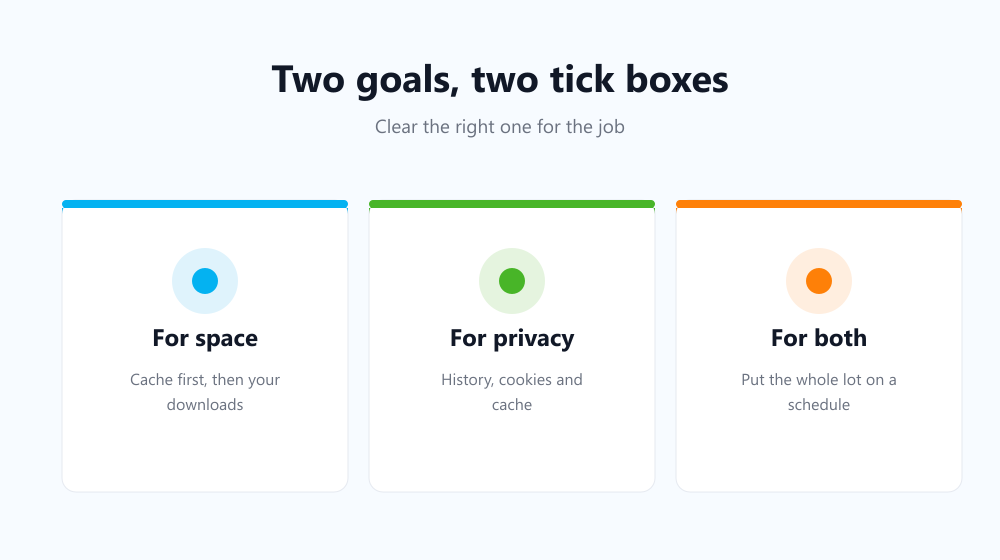
Start with the cache, which is the only browser store large enough to notice. Then look outside the browser entirely — the files you downloaded are almost always the bigger number, and clearing the download list does nothing to them. That distinction is set out in does clearing history delete your downloads.
- Clear cached images and files first; it is the one browser store with real weight.
- Empty your Downloads folder, then the Recycle Bin or Trash.
- On a phone, check offline content saved by video and music apps.
- Leave history and cookies out of it — they cost convenience and free nothing.
Is deleting history worth doing at all?
Yes, but for a completely different reason. History is a privacy store, not a storage one. Clearing it means the next person to open your browser cannot read where you have been, and that is a real benefit on any machine more than one person touches. Judging it by megabytes freed simply measures the wrong thing.
Doing both without thinking about it
The cache refills constantly, so a one-off clean-up buys back space that disappears again within weeks. Auto History Wipe clears cache, history and cookies at browser startup or on a repeating schedule, which keeps the large store from growing and the private one from lingering. Microsoft’s guide to freeing drive space covers the system-level side of the same problem.
Frequently asked questions
Why is my browser using several gigabytes?
Almost always the cache, plus profile data for each signed-in person. The history list is a negligible part of that total.
Does clearing speed up a nearly full disk?
Freeing space can help a disk that is critically full, but the cache will refill. For the performance question specifically, see does clearing cache speed up your browser.
Is it different on a phone?
The proportions are the same: the list is tiny, the cache is not, and saved media dwarfs both.
So deleting history is a privacy habit that happens to be useless for storage. Clear the cache and your downloads when you need room, clear the history when you need discretion, and let a schedule handle both so neither becomes a monthly chore.