 Auto History Wipe
How Long Does Edge Keep History?
Written by Jem Jack · Published November 23, 2026
The short version: about ninety days on the device. But how long does Edge keep history is really two questions, because signing in creates a second copy in your Microsoft account that follows completely different rules — and clearing one does nothing to the other.
How long does Edge keep history on your PC?
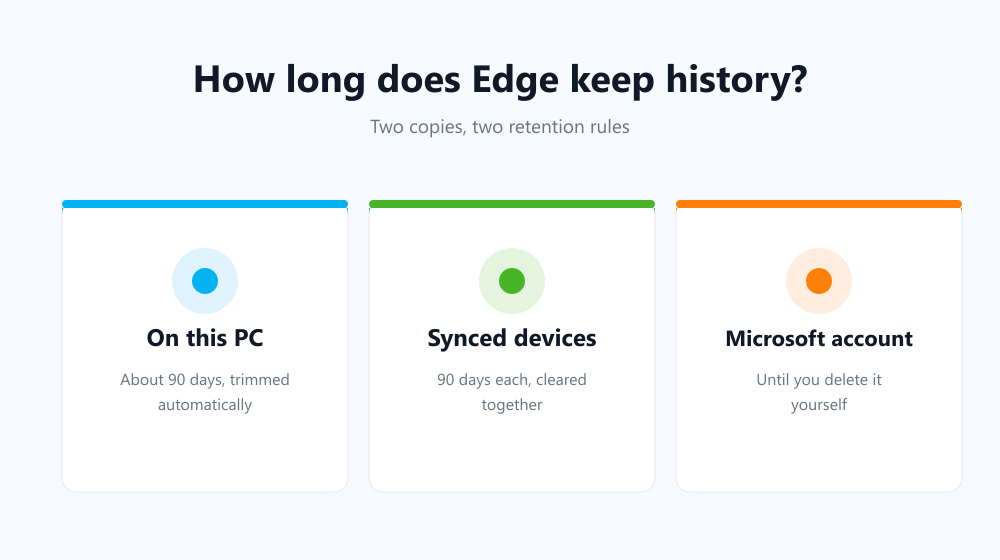
Edge is built on Chromium, so it inherits Chrome’s retention behaviour. Most entries age out after about ninety days, trimmed automatically to stop the database growing without limit. It is housekeeping rather than a privacy promise, and there is no setting to shorten or lengthen it.
Some things outlive that window. Bookmarks are permanent by design, typed addresses linger in the address bar’s suggestions, and downloads keep their own list.
The ninety days is also an upper bound rather than a guarantee. Edge trims the database when it grows, so a heavy browsing week can push older entries out sooner, while a quiet month leaves them sitting there for the full period. Nothing in the interface tells you which is happening, and there is no counter to check — which is part of why treating expiry as a privacy measure is a mistake.
In your Microsoft account: until you remove it
If you are signed in with sync switched on, your browsing history is also stored in your Microsoft account. That copy is not governed by the ninety-day rule — it stays until you delete it or set it to clear. You manage it through the privacy dashboard in your account rather than in the browser.
| Copy | How long it lasts | Where to clear it |
|---|---|---|
| Edge on this PC | About 90 days, automatically | Ctrl+Shift+Delete |
| Synced to other devices | 90 days on each device | Clearing propagates through sync |
| Microsoft account activity | Until you delete it | Microsoft privacy dashboard |
Microsoft’s history documentation covers both sides from its own angle.
Does that mean old history is already gone?
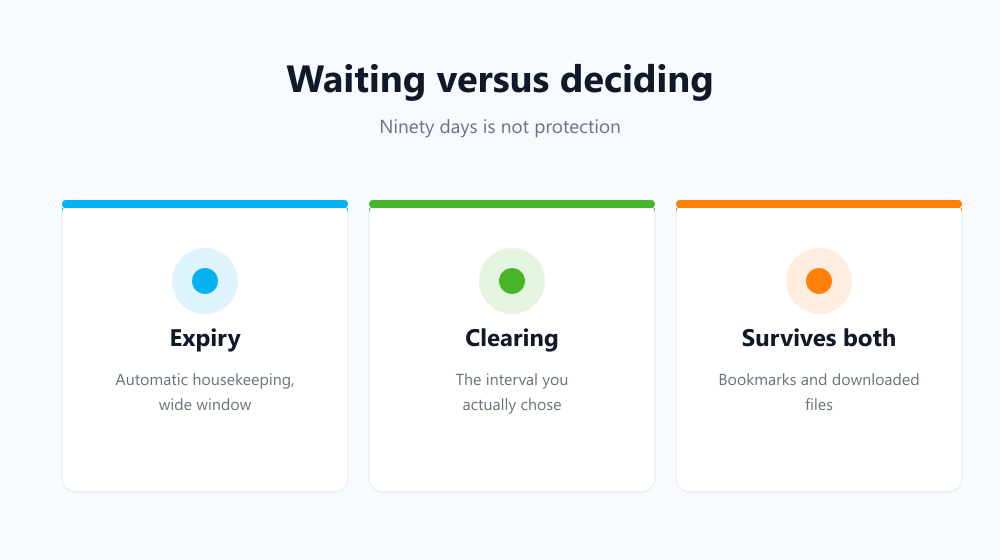
Not reliably, and this is where people get caught out. Ninety days is long enough that almost anything you did recently is still sitting there, and the account copy may hold far more than that. If your reason for asking is that someone else uses the machine, expiry is not protection — the window is simply too wide to help.
- Expiry is automatic housekeeping, not a privacy feature.
- The device copy and the account copy clear separately.
- Bookmarks and downloads survive regardless.
- Only clearing gives you a date you chose.
Shortening both windows
For the account half, open your Microsoft privacy dashboard and clear browsing activity there, or turn the sync of history off so nothing new is added. For the device half, clear it on a rhythm instead of waiting ninety days: Auto History Wipe runs on Edge and clears history, cache and cookies at startup or on a timer, which turns that window into whatever interval you pick. The manual steps are in how to clear history on Edge.
Frequently asked questions
Can I change the ninety-day limit?
No. Chromium browsers expose no setting for it, which is exactly why scheduled clearing is the practical alternative.
Does InPrivate browsing get recorded?
No. An InPrivate window writes nothing to the list, though your network and the sites still see the traffic.
Is Chrome’s behaviour identical?
Nearly — same engine, same window. The Chrome detail is in how long Chrome keeps history.
So how long does Edge keep history comes down to ninety days on the PC and indefinitely in your account. Clear both deliberately, and put the browser half on a schedule so the answer stops depending on Microsoft’s housekeeping.