 Auto History Wipe
How Long Does Firefox Keep History?
Written by Jem Jack · Published November 20, 2026
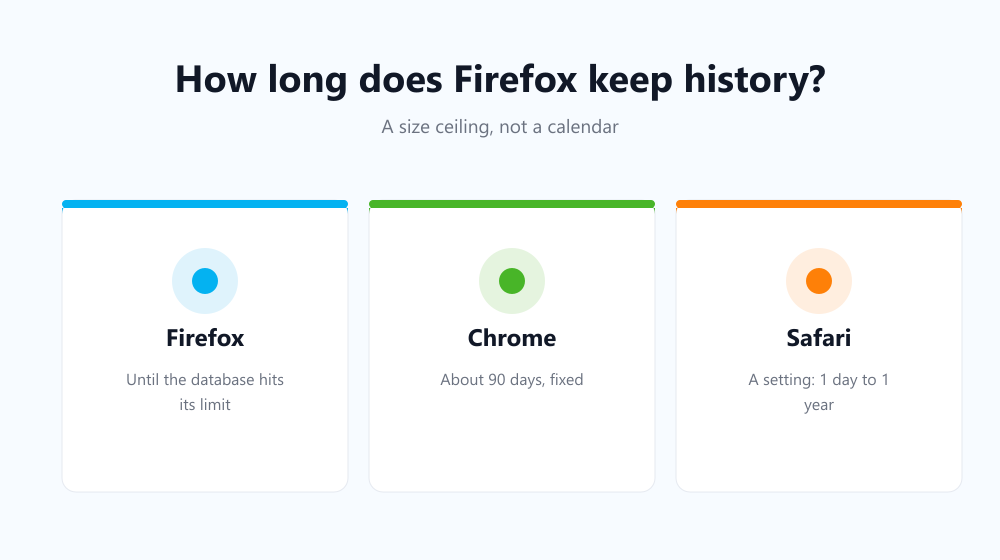
Ask how long does Firefox keep history for, and you will not get the tidy number Chrome gives you. Firefox does not count days at all. It keeps entries until its database grows past a size it calculates from your own machine, then starts discarding the oldest ones — which is why two people can see very different answers.
How long does Firefox keep history by default?
Firefox stores history in a database called places.sqlite, and decides how large that file is allowed to become based on your available disk space and memory. On a roomy modern machine that ceiling is high enough to hold a year or more of ordinary browsing. On a small laptop with a nearly full drive, the same browsing might only survive a few months.
When the limit is reached, Firefox expires the least useful entries first — old pages you visited once — rather than simply cutting at a date.
How that compares to other browsers
| Browser | How long it keeps history | Can you change it? |
|---|---|---|
| Firefox | Until the database hits its size ceiling | Yes, via a hidden preference |
| Chrome | About 90 days for most entries | No |
| Edge | About 90 days, like Chrome | No |
| Safari | A setting: 1 day to 1 year | Yes, in preferences |
Chrome’s fixed window is the one most people have in mind when they ask — the detail is in how long Chrome keeps history.
Can you set your own limit?
Yes, though it is behind the advanced configuration screen. Type about:config in the address bar, accept the warning, and search for places.history.expiration.max_pages. Setting a number there caps how many pages Firefox retains regardless of disk space. Mozilla documents the surrounding behaviour in its history management guide.
It is a blunt tool. It caps the size of the list, but it does not promise anything about timing, and a quiet week will keep old entries alive longer than a busy one.
Does expiry count as deletion?
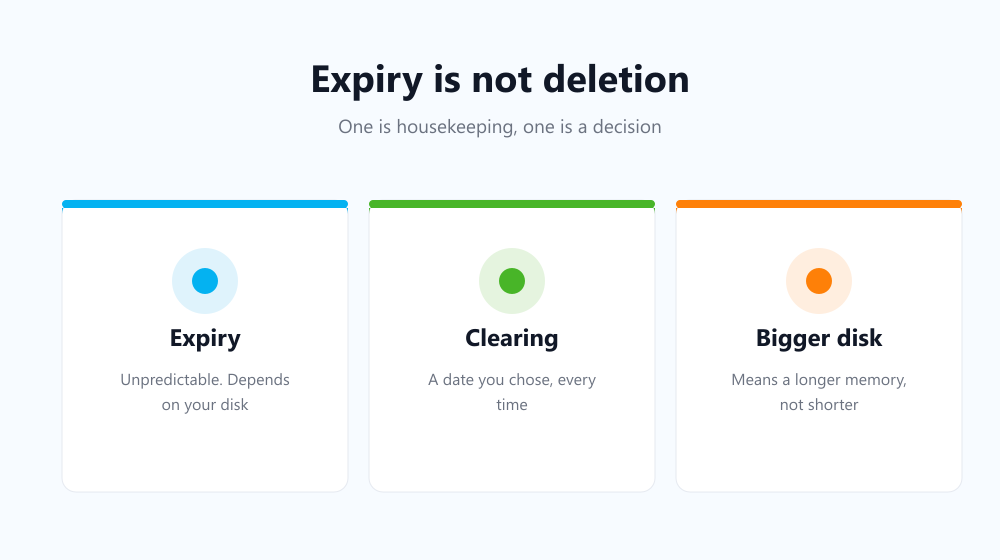
For practical purposes, yes — the entry is gone from the list. But expiry is the wrong thing to rely on for privacy, because it is unpredictable by design. You cannot say when a given page will fall off, and on a large drive the answer may be “not this year”. Anything you actively want gone should be cleared rather than waited out.
- Expiry is housekeeping, not a privacy feature.
- A bigger disk means a longer memory, not a shorter one.
- Synced devices each expire on their own schedule.
- Clearing is the only predictable option.
Making it predictable
If you want a definite answer rather than a calculated ceiling, clear on a schedule you choose. Auto History Wipe is available for Firefox as well as Chrome and Edge, and clears history, cache and cookies at startup or on a timer — so the retention period becomes whatever you set, on every machine, regardless of disk space.
Frequently asked questions
Why does my history go back further than my friend’s?
Different disk space and different browsing volume. The ceiling is calculated per machine, so identical settings still produce different retention.
Does clearing it free up disk space?
Barely — the list is text. The cache is the part with real weight, as covered in does deleting history free up space.
Does Firefox sync change how long entries last?
No. Sync shares entries between devices, but each device still applies its own expiry ceiling locally.
So the honest answer to how long does Firefox keep history is: until its database fills, which depends on your hardware rather than on any date. If you need certainty, set the schedule yourself instead of leaving it to the browser’s housekeeping.