 Auto History Wipe
How Often to Clear Cache and Cookies?
Written by Jem Jack · Published November 4, 2026
There is no universal number, and anyone who gives you one is guessing. How often you should clear cache and cookies depends on a single practical question: who else can open your browser? Answer that honestly and the right rhythm follows in about thirty seconds.
What it costs you each time
Clearing is not free, which is why daily is wrong for most people. You lose your saved copies of site files, so the next visit to every site is slower. If you clear cookies too, you are signed out everywhere and have to log back in. Neither is a disaster, but repeated every morning it becomes friction you will eventually abandon.
That matters more than it sounds, because an abandoned routine protects nothing. A weekly sweep you actually keep leaves you far better off than a daily one you gave up on in March. The goal is the shortest interval you will not resent, not the shortest interval you can imagine — and for most people on their own machine that turns out to be considerably less often than the advice online suggests.
A schedule that matches your situation
| Your situation | Suggested rhythm | Why |
|---|---|---|
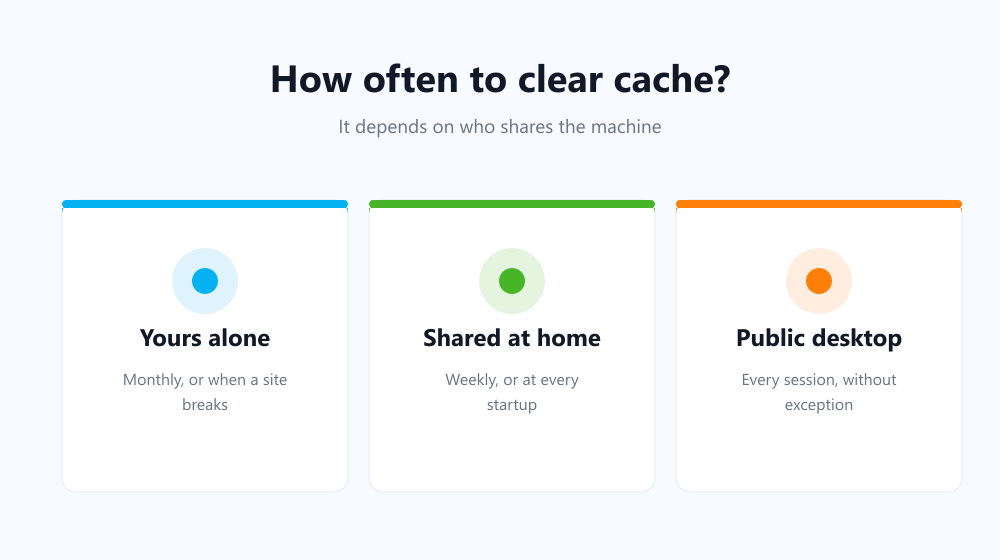
| Personal machine, nobody else uses it | Monthly, or when a site breaks | Low exposure, high convenience cost |
| Shared family computer | Weekly, or at every startup | Someone else opens the same browser |
| Shared or public desktop | Every session | The next person is a stranger |
| Work laptop under monitoring | It changes little | Logs live outside your browser |
That last row matters. On a managed device the record that counts is usually kept by the network or by monitoring software, and clearing your browser does nothing about it — see privacy on a shared computer for where the real boundaries are.
Should you clear cache more often than cookies?
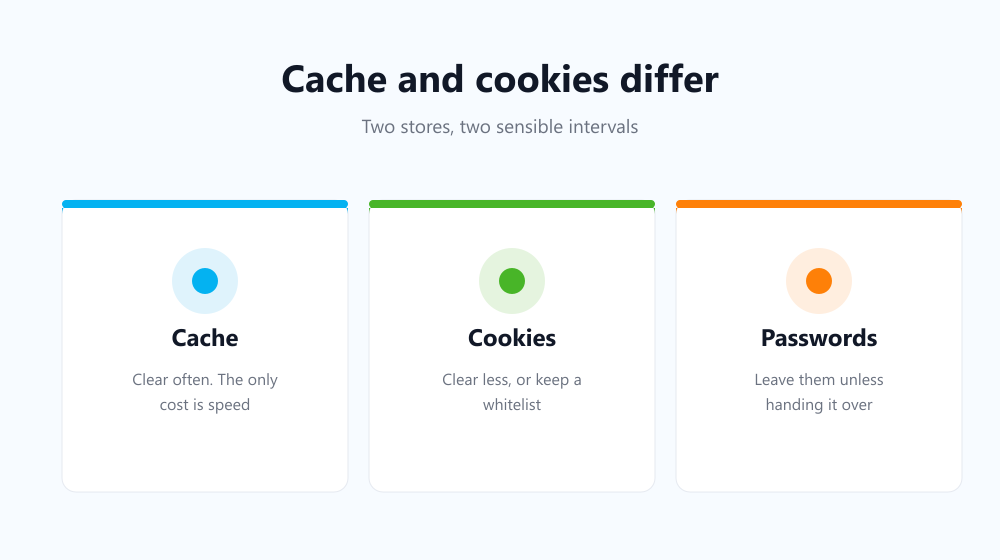
Usually, yes. Cache costs you almost nothing to lose — a slower first load and nothing else — so a frequent sweep is painless. Cookies cost you every login you have, so most people want those cleared less often, or cleared with an exception list that keeps their handful of everyday sites signed in.
- Cache: frequent is fine; the only price is speed.
- Cookies: less often, or with a whitelist for trusted sites.
- History: match it to who can see your screen.
- Passwords: leave them alone unless you are handing the machine over.
The interval you keep beats the one you plan
Every schedule fails the same way: you hold it for two weeks and then forget. That is the argument for automating it rather than choosing a stricter number. Auto History Wipe runs at browser startup or on a repeating timer — hourly, twelve-hourly, daily or weekly — and its whitelist and bookmark protection keep your chosen sites signed in while everything else is cleared.
Google’s own guidance on browsing data makes the same point implicitly: the controls are there, but nothing presses them for you.
Frequently asked questions
Is clearing every day bad for the browser?
Not harmful, just wasteful. You spend bandwidth re-downloading files you already had and gain nothing over a weekly rhythm on a personal machine.
Does clearing improve performance?
Rarely — it usually costs speed briefly. The full answer is in does clearing cache speed up your browser.
What about Incognito instead?
A private window keeps nothing after you close it, which suits one-off browsing. It does not clean what your normal window already stored.
So the honest answer is monthly for a private machine, weekly for a shared one, and every session for a public one — but whichever you choose, clear cache on a schedule the software keeps rather than one you have to remember.