 Auto History Wipe
How to See Deleted Browsing History (and When You Can’t)
Written by Jem Jack · Published October 26, 2026
People arrive at this question from two opposite directions. Some want a page back that they cleared by accident; others want to know whether deleted browsing history can be dug up by someone else. The honest answer serves both: the browser’s own record is genuinely gone, but several copies of the same information live outside it, and those are what anyone would actually find.
Where deleted browsing history really survives
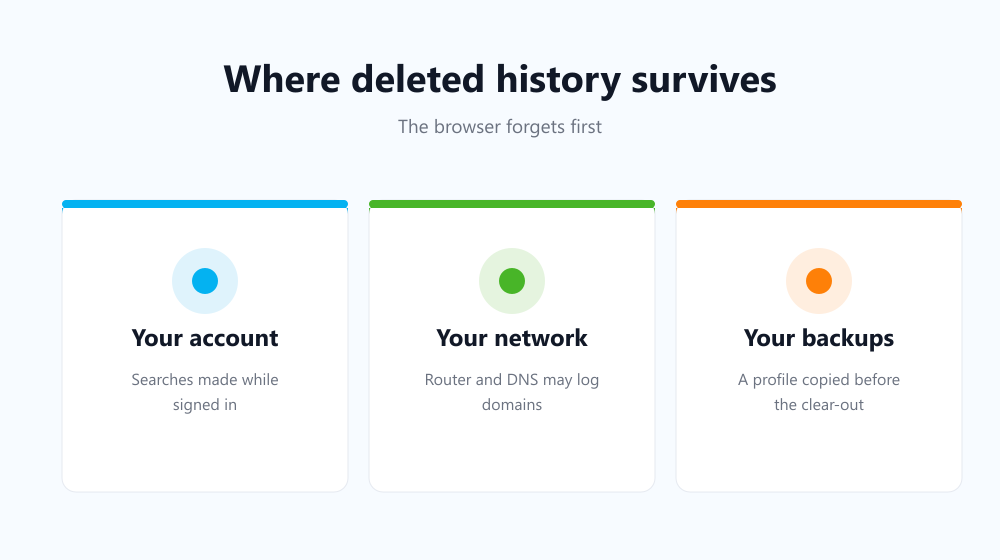
Once you clear the list, your browser does not keep a hidden backup of it. What survives are the other systems that logged the same activity for their own reasons — and each one has its own controls, its own retention and its own owner.
- Your account activity, if you were signed in to Google while searching.
- Your router or network, which may log the domains your devices requested.
- Your DNS resolver, whether that is your provider’s or one you chose.
- Your device backups, if a profile was copied before the clear-out.
Can you recover it from the browser itself?
Not by any normal route. There is no undo button, no archive folder and no menu that reveals the previous list. The one partial exception is sync: if the same account is signed in on another device that has not yet received the change, that machine may still show the old entries for a while. Once it syncs, they go there too.
The methods that do not work
| Common suggestion | Does it show your cleared list? |
|---|---|
| Restoring a system restore point | Only if the profile was included and older |
| DNS cache on your own machine | Domains only, short-lived, not a history |
| “History recovery” tools | Generally no — and a common malware route |
| Signing back in to sync | No; sync propagated the deletion too |
The DNS one is the closest to true and the most oversold. It can reveal that a domain was resolved recently, which is a long way from a timestamped list of pages. We go into the wider question in can deleted history be recovered.
What this means if you wanted it gone
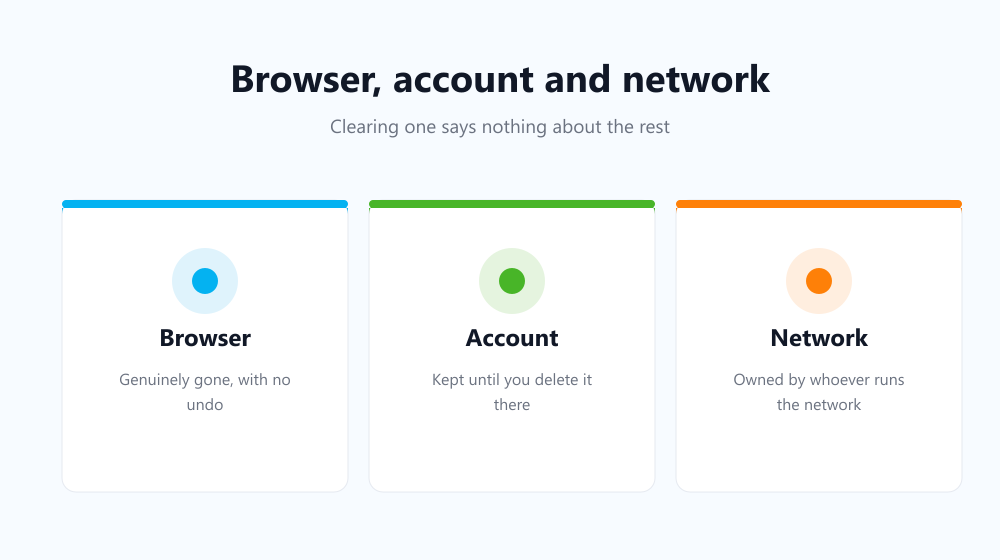
Clearing the browser is the right first step and a genuinely effective one, but treat it as one of several. Sign out or pause activity logging if the account copy matters to you, and remember that the network between you and the site sees the request regardless of what your browser stores. Google’s activity controls documentation covers the account half in detail.
Closing the window that matters most
The realistic risk is not forensic recovery — it is the list simply being there when someone else opens your laptop. That window stays open for as long as you go without clearing. Auto History Wipe closes it on a schedule or at every startup, so there is rarely anything sitting there to read in the first place.
Frequently asked questions
Can my employer or school see it?
On a managed network they may hold their own logs, which your clearing does not touch. On a managed device, monitoring software may record more than the browser ever did.
Does Incognito leave a copy anywhere?
Not in the browser, but your account and network still see the traffic — see does Incognito mode keep you private.
Are recovery tools worth trying?
Rarely, and the search results for them are a well-known route for unwanted software. Assume the browser copy is gone and work from the other stores instead.
So deleted browsing history is not hiding in a recoverable corner of your browser — it is reproduced, in fragments, by the account and the network around it. Clear the browser regularly, handle the account copy deliberately, and judge the rest by who owns the log.